AI teleprompter online
Generate or rewrite spoken scripts, then move from script prep to prompting and recording.
Browser teleprompter
Turn notes into spoken scripts, prompt them at a natural pace, and record camera takes in one browser workspace.

Keep your eyes near the lens.
Tool pages
Start with script generation, prepared-script prompting, or browser camera recording.
Generate or rewrite spoken scripts, then move from script prep to prompting and recording.
Paste a prepared script and prompt it with speed, font, mirror, and timing controls without a download.
Allow webcam access, record in the browser, review the take, and download a local .webm file.
CueKit helps with the parts that slow down most recordings: cleaning up the script, setting a readable pace, and recording the take.
Turn notes into shorter lines with plain wording and natural pauses.
Read from the teleprompter, record with your camera, preview the take, and download a .webm file.
Use CueKit Pro when you need to control the teleprompter from a phone or keep more scripts ready.
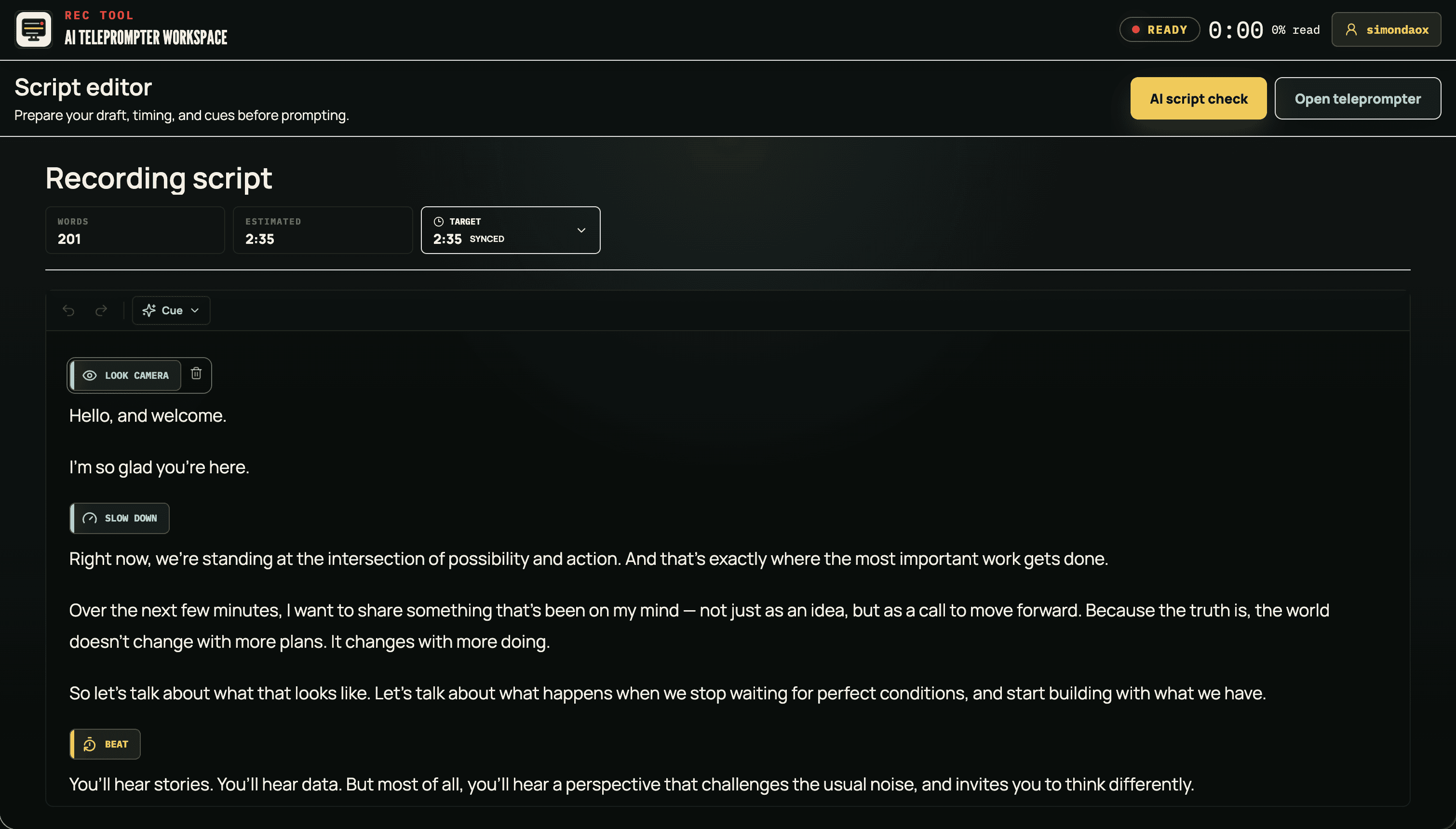
Use it for creator videos, lessons, talks, and business updates where the script needs to sound natural on camera.

Record intros, tutorials, product explainers, and talking-head videos from short lines instead of one long paragraph.
Use it to keep intros tighter, avoid losing your place, and check timing before you press record.
Open camera recorder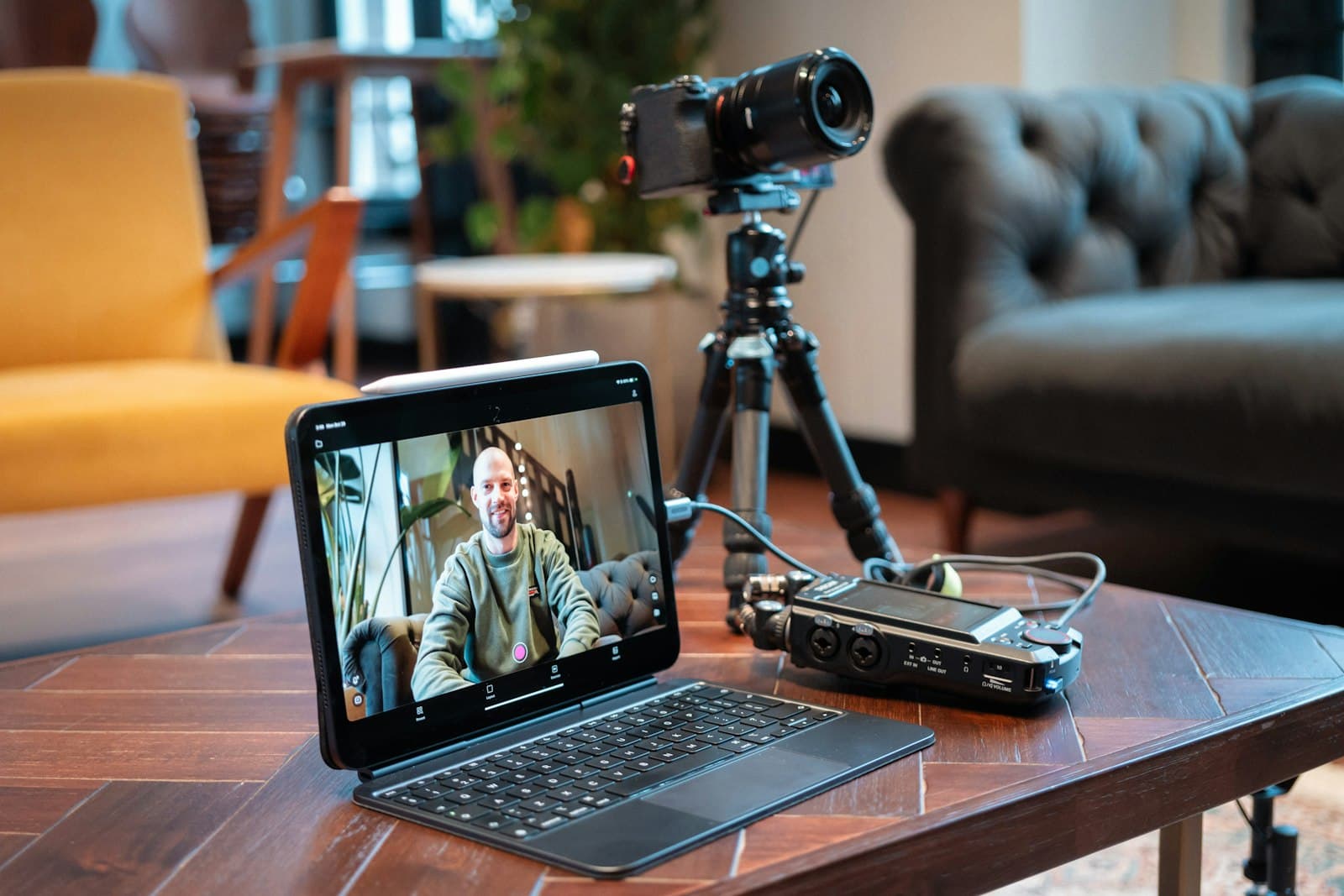
Prepare lesson openings, module summaries, and course scripts that stay on time while still sounding natural.
Prepare a lesson
Keep sales updates, founder messages, internal announcements, and webinar segments on pace without memorizing every line.
Rehearse a presentation
Rehearse talks, pitches, and stage notes with timing visible on screen.
Practice a talkYour browser handles camera access and local recording. AI script help is used only when you start an AI action.
Your browser asks for camera and microphone access. CueKit cannot turn them on without that permission.
AI help can process submitted script text. Use the free teleprompter when you do not want AI involved.
Payments go through Creem. Sign-in and accounts use Supabase Auth.
Saved drafts are stored in your browser. If you use AI script help, the text you submit is sent to the AI provider so it can generate or rewrite the draft.
CueKit records in the browser and lets you download a local .webm file. The current browser recording flow is not designed to upload raw videos to CueKit servers.
Only when you choose an AI action. AI script requests may include the prompt, draft, and instructions needed to generate the response.
Yes. The free online teleprompter is available in the browser. CueKit Pro adds phone remote control and more script-prep tools.
Yes, on browsers and devices that support camera permissions and MediaRecorder. Camera and microphone access are controlled by your browser.
Payments and refunds are covered in the Terms of Service. You can review those terms before purchasing.
Read TermsUse the AI tool to clean up a rough draft, or open the free teleprompter when your script is ready.
Refund and subscription terms are in the Terms of Service.