Where should I start?
Start with the camera guide if you need to record, the WPM guide if your read feels rushed, or the no-download guide if you already have a script and need a fast prompt view.
Practical guides
Learn the practical parts of prompting: camera setup, reading speed, script formatting, no-download browser prompting, and where voice following helps or gets risky.
Last updated: 2026-06-22
Start with script writing, set a realistic WPM, then move into camera setup. Use the no-download guide when the script is ready and you only need a clean prompt view.
The first guide set covers camera eye line, pacing, teleprompter-friendly scripts, timed scrolling, mirror mode, and what to know before relying on voice-following tools.
Every guide links back to a CueKit tool so readers can move from advice into AI script prep, browser prompting, mirror mode, or camera recording.
Camera setup
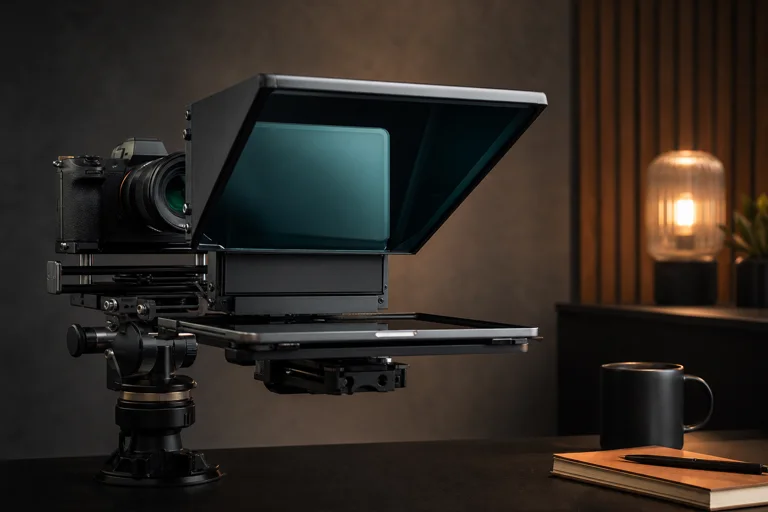
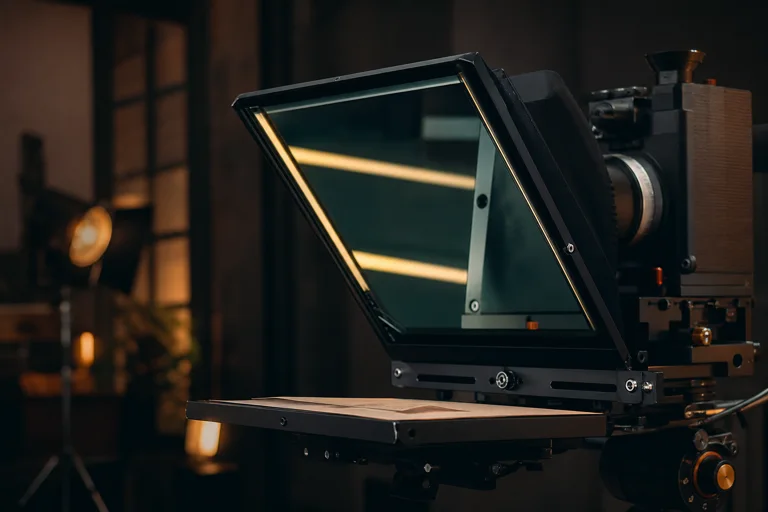
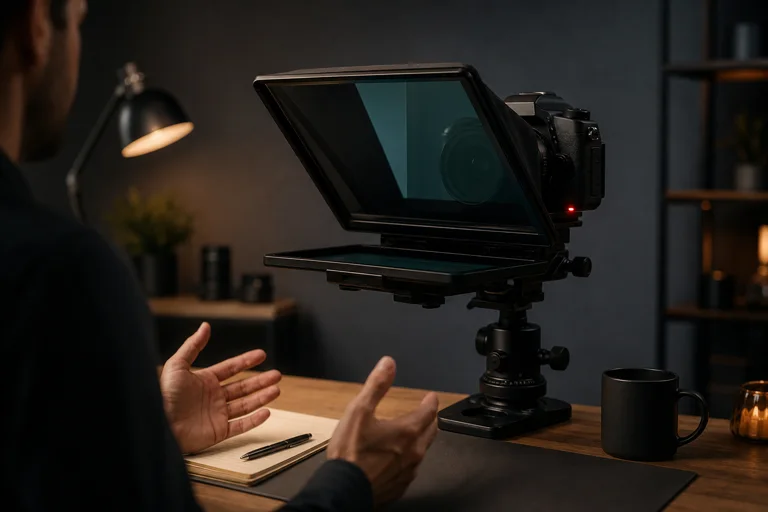
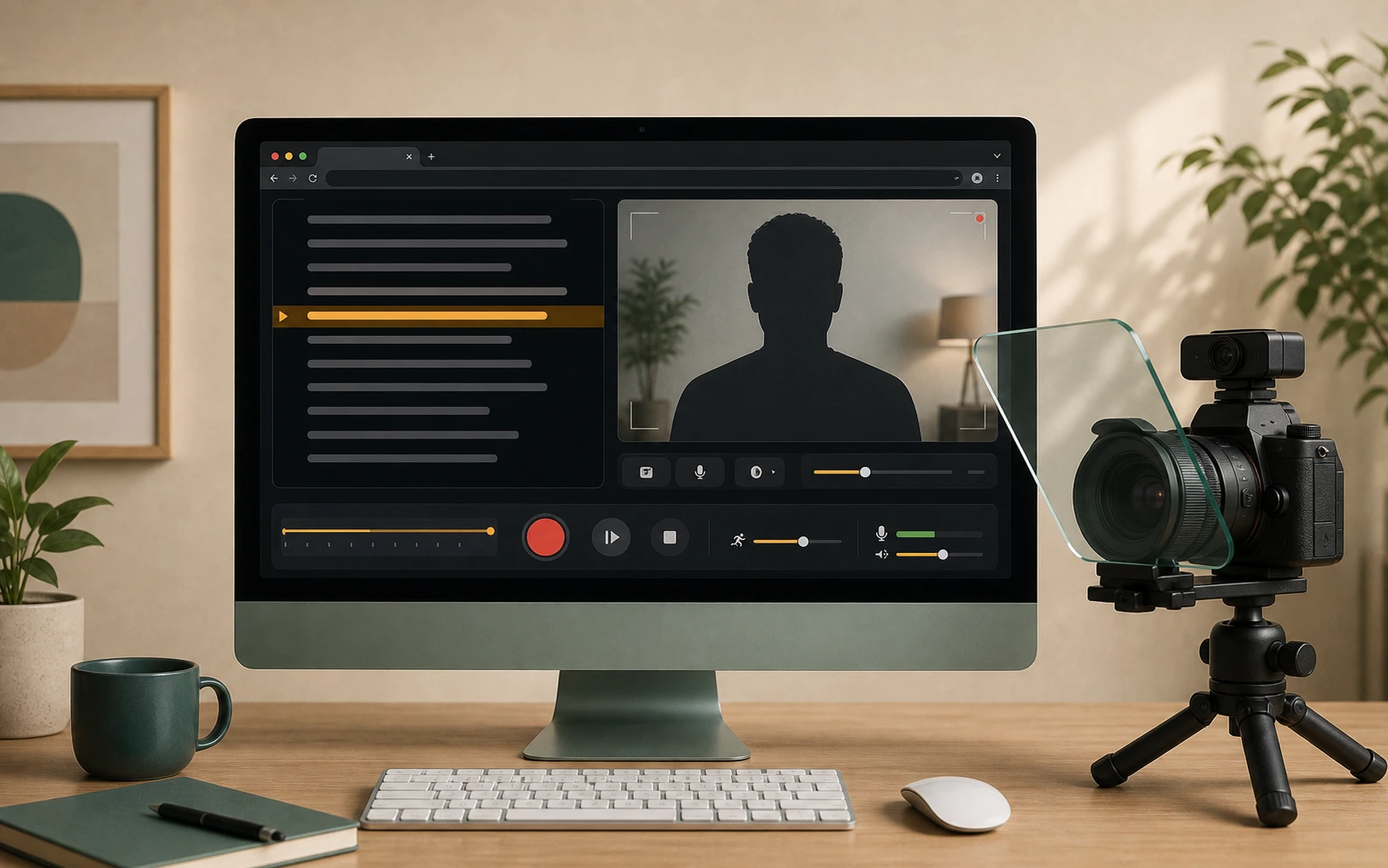
Set up a webcam teleprompter or camera teleprompter: prepare the script, set pace and text size, open camera preview, record a take, and review it.
Open guidePacing
Choose the best teleprompter WPM for videos, webinars, public speaking, and short-form recordings.
Open guideScript writing
Write a teleprompter script that is easier to say aloud: short lines, clear transitions, pause cues, and a realistic read time.
Open guideVoice following
Understand voice activated teleprompters, when they help, where they fail, and why CueKit still treats timed scrolling as the dependable mode.
Open guideNo download
Use an online teleprompter with no download: paste a script, set speed and text size, mirror text, and start prompting in the browser.
Open guideMirror mode
Set up a mirror teleprompter for reflective glass rigs with flipped text, readable sizing, pace checks, and CueKit browser controls.
Open guideScript writing
Use CueKit as an AI script writer for teleprompter-ready video scripts with shorter spoken lines, pause cues, and read-time checks.
Open guideYouTube creators
Plan a YouTube teleprompter setup for tutorials, intros, product explainers, Shorts, and browser camera takes.
Open guideBrowser app
Use CueKit as a browser teleprompter app for no-download script reading, speed control, mirror mode, and AI rewriting when needed.
Open guideVideo scripts
Generate video scripts for teleprompter reading with spoken lines, pause points, timing checks, and a CueKit prompting path.
Open guideYouTube scripts
Create YouTube scripts for intros, tutorials, explainers, Shorts, and teleprompter-ready browser recording.
Open guidePublic speaking
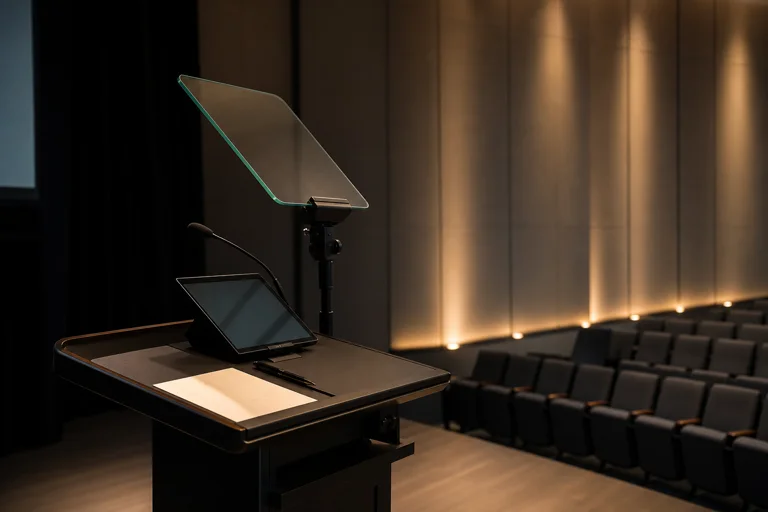
Use a public speaking teleprompter for speeches, talks, presentations, founder updates, rehearsal, and pacing.
Open guideWebinars
Prepare webinar scripts for intros, demos, training, meetings, sales calls, and browser teleprompter rehearsal.
Open guideTablet prompting
Set up an iPad teleprompter with large browser text, mirror mode, speed controls, and CueKit's no-download prompting flow.
Open guideStart with the camera guide if you need to record, the WPM guide if your read feels rushed, or the no-download guide if you already have a script and need a fast prompt view.
Yes. Each guide points back to CueKit tool pages so the reader can move from an answer into script prep, timed prompting, mirror mode, or camera recording.