Suggested generator preset
- video Type
- Public speaking
- duration
- 5 minutes
- speaking Style
- Calm
- cue Level
- Guided cue lines
The delivery problem
A speech draft may read well on paper but become difficult to scan at a lectern or during rehearsal. Long paragraphs make it easier to lose the transition, speed through a key point, or look down when the audience needs eye contact.
CueKit workflow
Identify the opening, section transitions, names, numbers, and closing language that need consistency. Rewrite those anchors as complete spoken phrases.
Check the draft in the script timer and rehearse the marked pauses. Shorten dense passages instead of forcing the delivery faster.
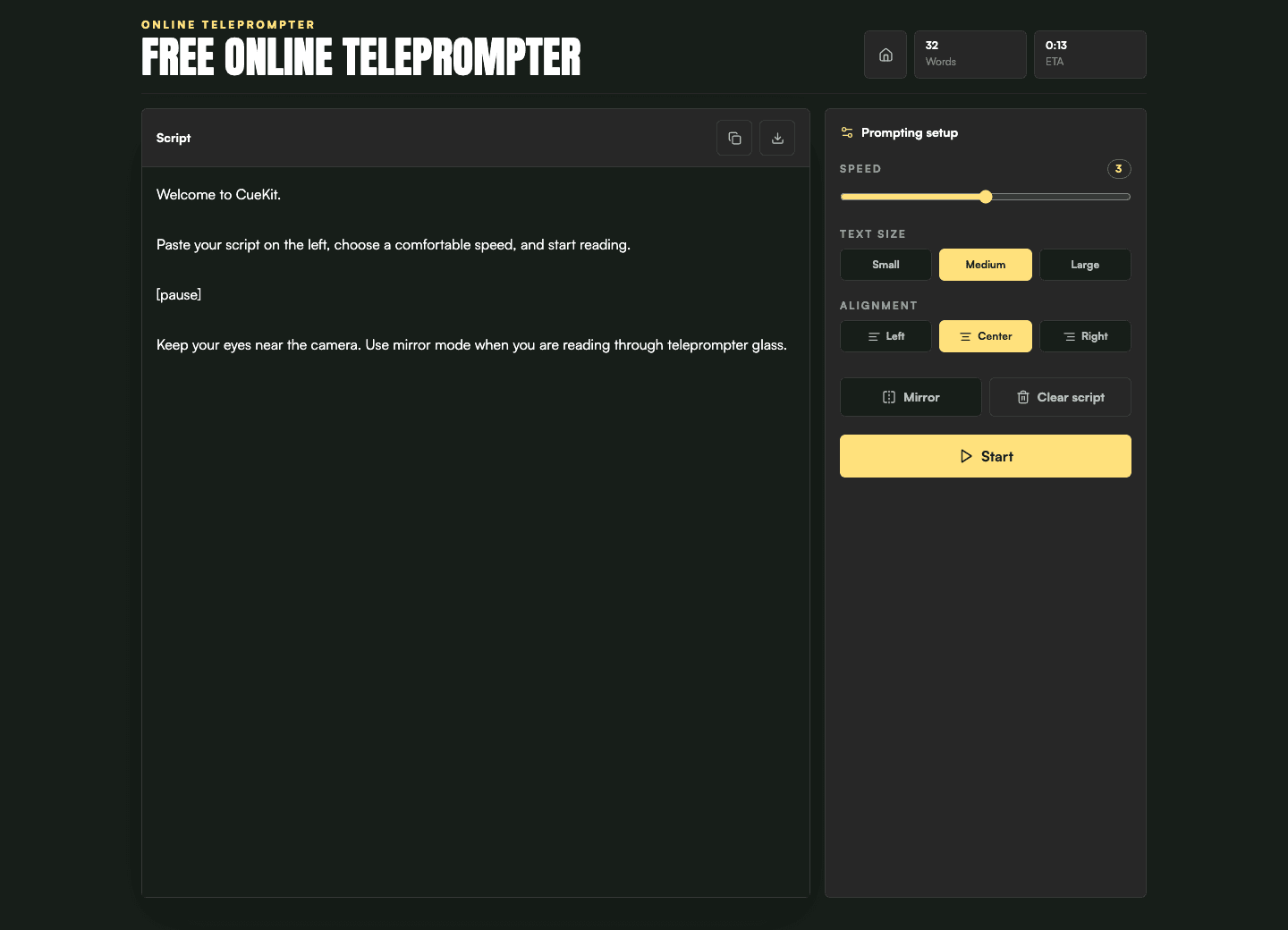
Open the prepared text in the free online teleprompter, enlarge it for the room, and keep the prompt focused on the lines that help you return to the audience.
Suggested generator preset
Rehearsal pace
110-135 WPM
Starting guidance: rehearse between 110 and 135 WPM when the room needs pauses and emphasis, then test the actual venue, subject density, and your own speaking rhythm.
Related tools
No. Use a range only to start rehearsal, then adapt it for the audience, room, emphasis, subject complexity, and the pauses your talk needs.
That depends on the event. Many speakers use prompting for exact openings, transitions, names, numbers, or closing remarks while delivering familiar explanations more freely.