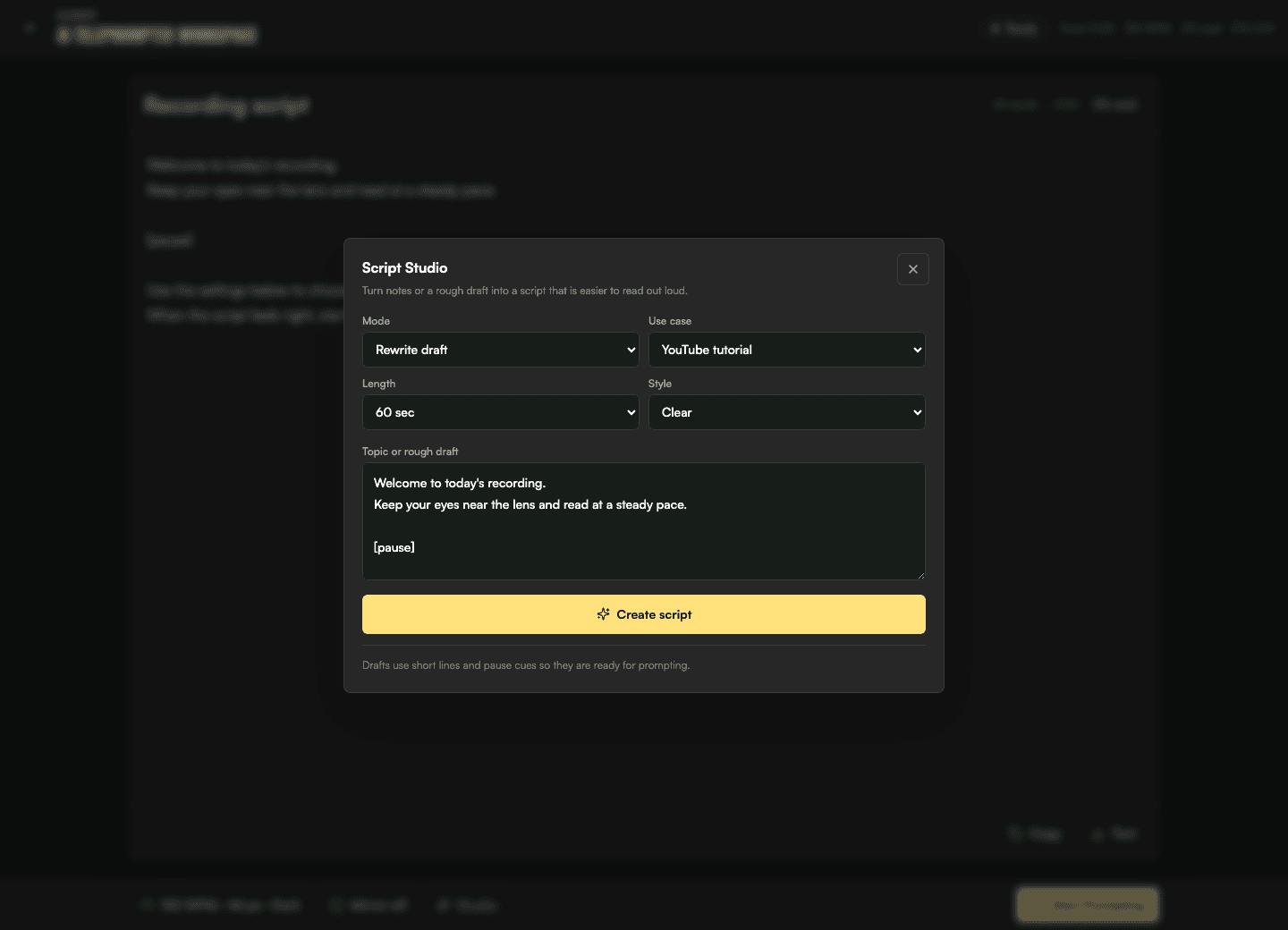
Suggested generator preset
- video Type
- Webinar
- duration
- 5 minutes
- speaking Style
- Clear
- cue Level
- Guided cue lines
The delivery problem
Webinar hosts often know the subject but still need consistent wording for the welcome, agenda, speaker handoffs, offer details, and close. Reading dense notes can pull attention away from the camera and make a live section run long.
CueKit workflow
Generate or rewrite the welcome, agenda, transitions, and closing call to action. Keep unsupported details out and confirm names, dates, and offer language.
Check each scripted segment separately in the timer. Leave unscripted room for demonstrations, participant questions, and discussion.
Open the final anchors in the AI teleprompter, choose readable text and a steady pace, and rehearse the handoffs with the same screen arrangement used for the webinar.
Suggested generator preset
Rehearsal pace
115-140 WPM
Starting guidance: test scripted webinar sections between 115 and 140 WPM, then adjust for slide changes, demonstrations, audience interaction, and technical language.
Related tools
Usually not. Script the parts that need consistent wording and timing, while leaving room for demonstrations, questions, and natural discussion.
Place cue lines before a pause, eye-contact reset, or important emphasis. Keep them separate from spoken text so they remain easy to recognize during the live session.